
REP Reserve
Choose which FACEIT blocks can rotate when someone on your list finishes a match.
Free Watchlist and rotation with FACEIT sign-in.
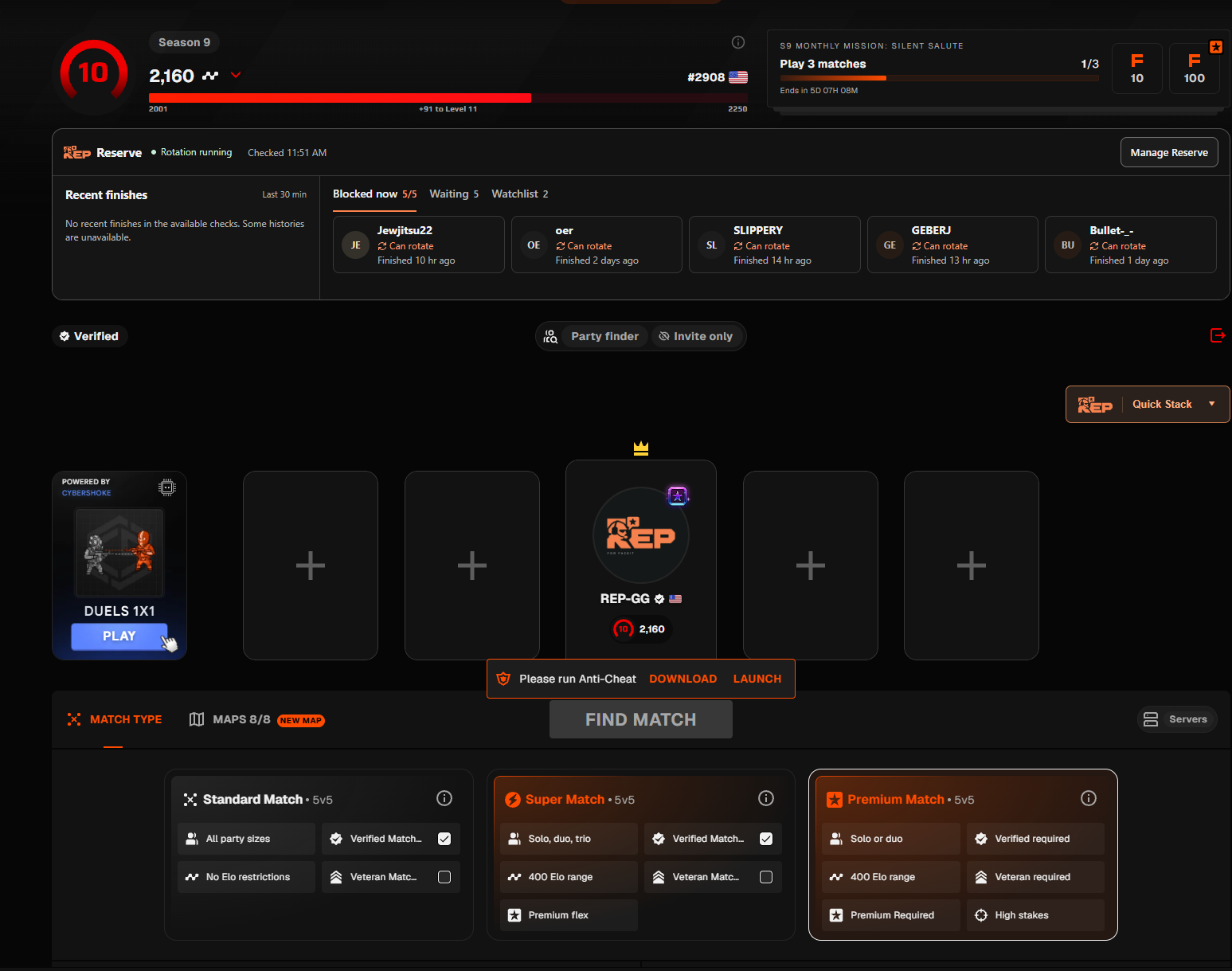
Rotate selected blocks
Above your party on Matchmaking, open Manage Reserve and add up to five players to your Rotation list. Mark the blocks REP can replace, choose Enable rotation and keep FACEIT open.
A waiting player can take a free slot if REP confirms they finished a match in the past 30 minutes.
If all your slots are full
A waiting player with a more recent finish can take a replaceable slot. The player they replace goes back on your rotation list. Protected blocks stay put.
Your FACEIT blocks lists your current blocks. You can still match with someone on your rotation list until FACEIT blocks them. REP can’t see who’s in the queue.
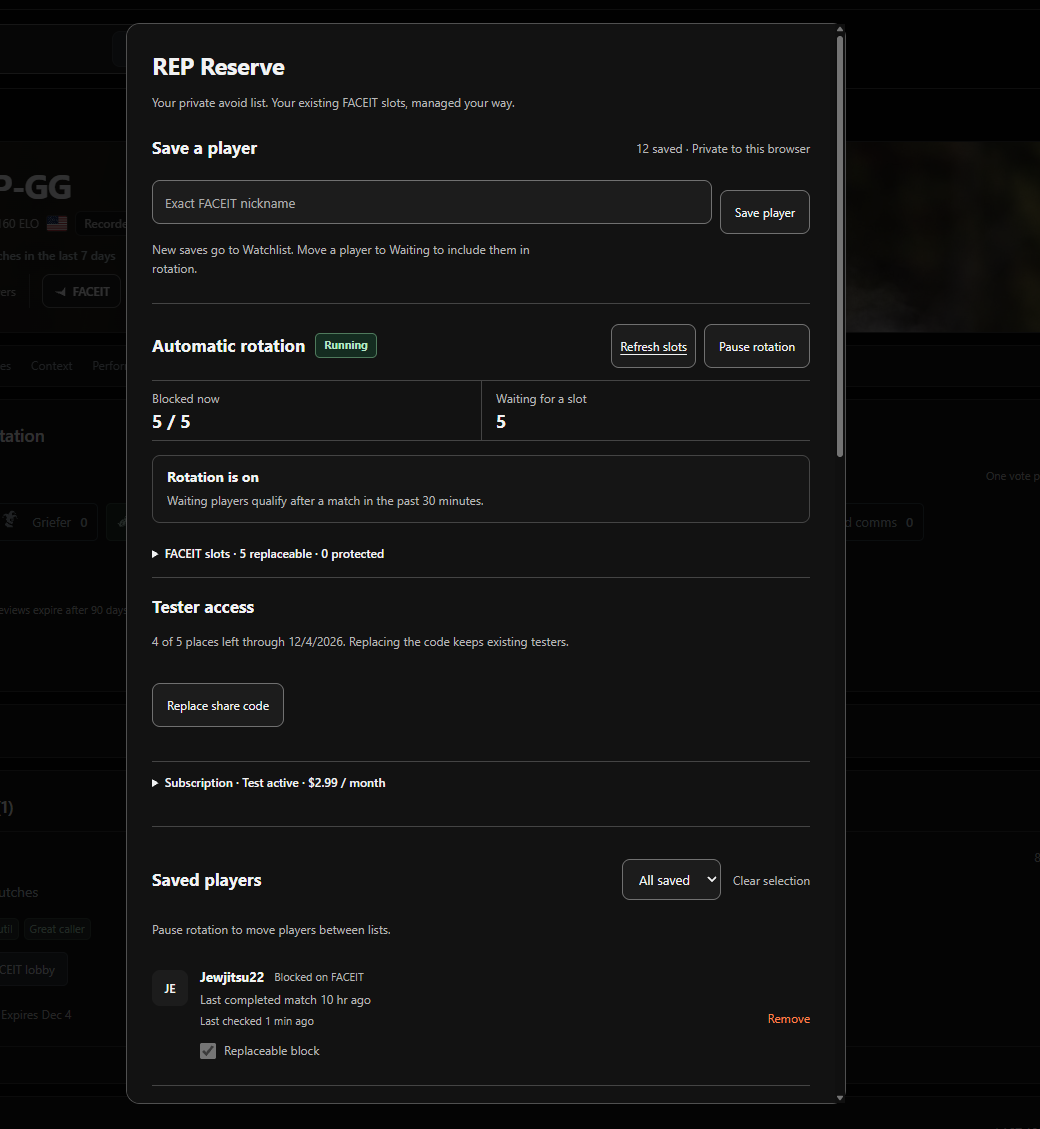
Save a player
Choose Save to Reserve on a matchroom card to add someone to your private Watchlist. That won’t block them. In Manage Reserve, you can also add a player by nickname directly to your rotation list.
You can edit the list while rotation runs. If all five places are full, choose someone to move back to your Watchlist.
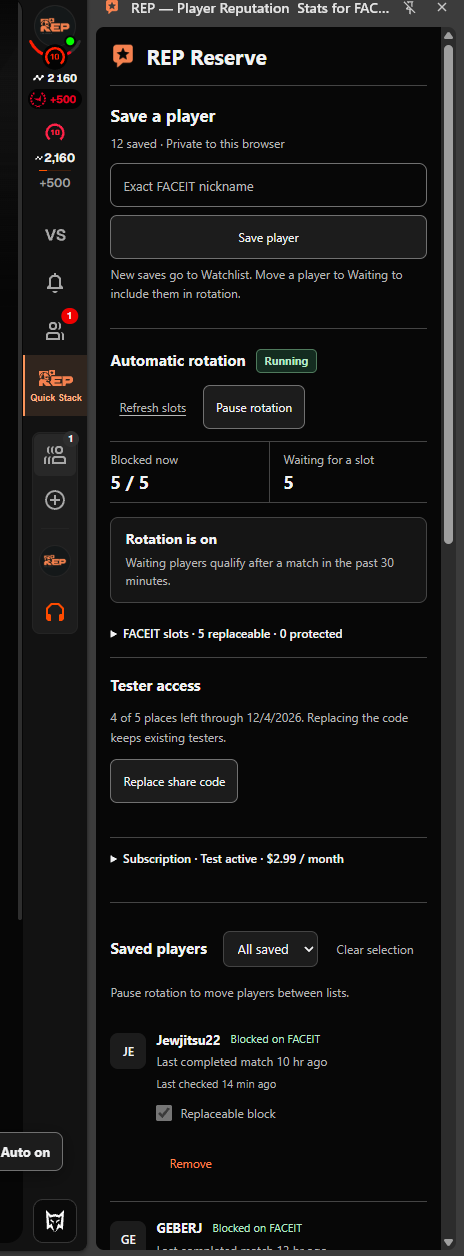
Access and billing
Sign in with FACEIT to use automatic rotation for free. You don’t need a guest pass or a subscription.